Multiple AI Models
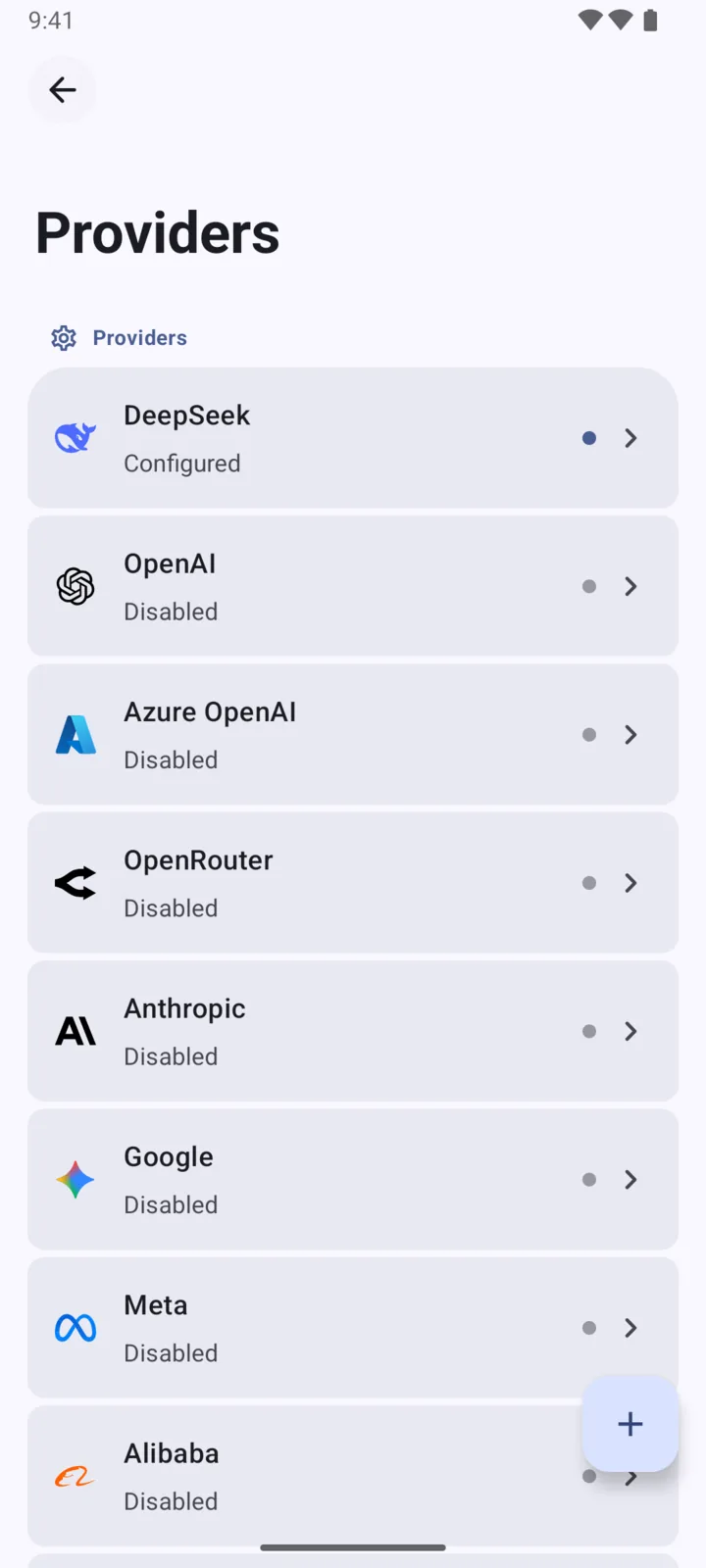
Connect OpenAI, Claude, Gemini, OpenRouter, DeepSeek, Qwen, Mistral, Ollama, and more. Pick the right model for each task without scattering your conversations across apps.

ChatBoost
Your Own AI ClientConnect the AI services you already use, choose the right model for each task, and keep chats, files, agents, and everyday work in one place. No ChatBoost account required.

 Join the Beta
Features
Connect OpenAI, Claude, Gemini, OpenRouter, DeepSeek, Qwen, Mistral, Ollama, and more. Pick the right model for each task without scattering your conversations across apps.

Start with built-in agents for writing, translation, learning, and research, or create your own with a dedicated model, instructions, avatar, web search, and tools.
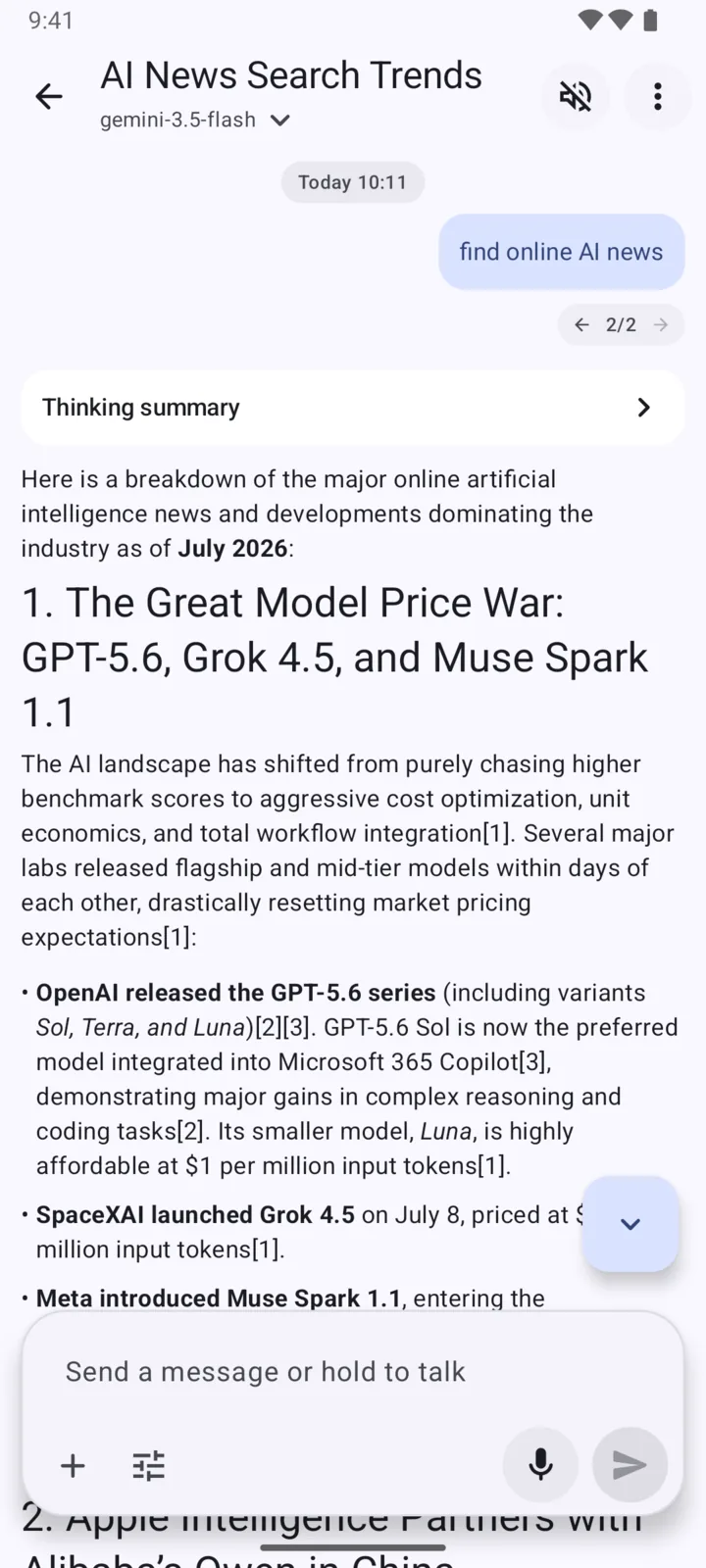
Give supported models access to current information so they can find, compare, summarize, and organize sources from the web instead of relying only on model memory.
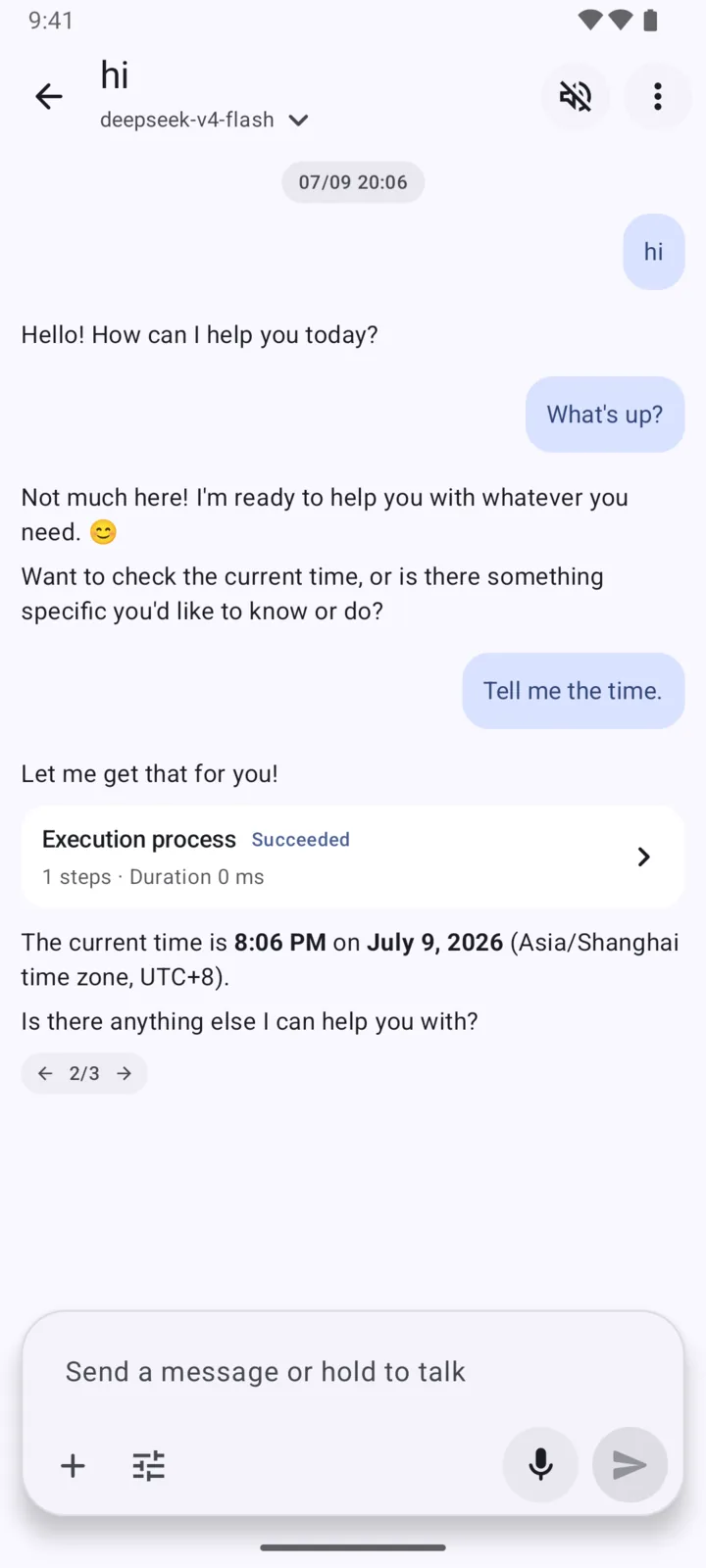
Let supported agents create calendar events, generate images, or run available tools. Connect additional external capabilities through MCP, and launch ChatBoost as the Android system assistant.
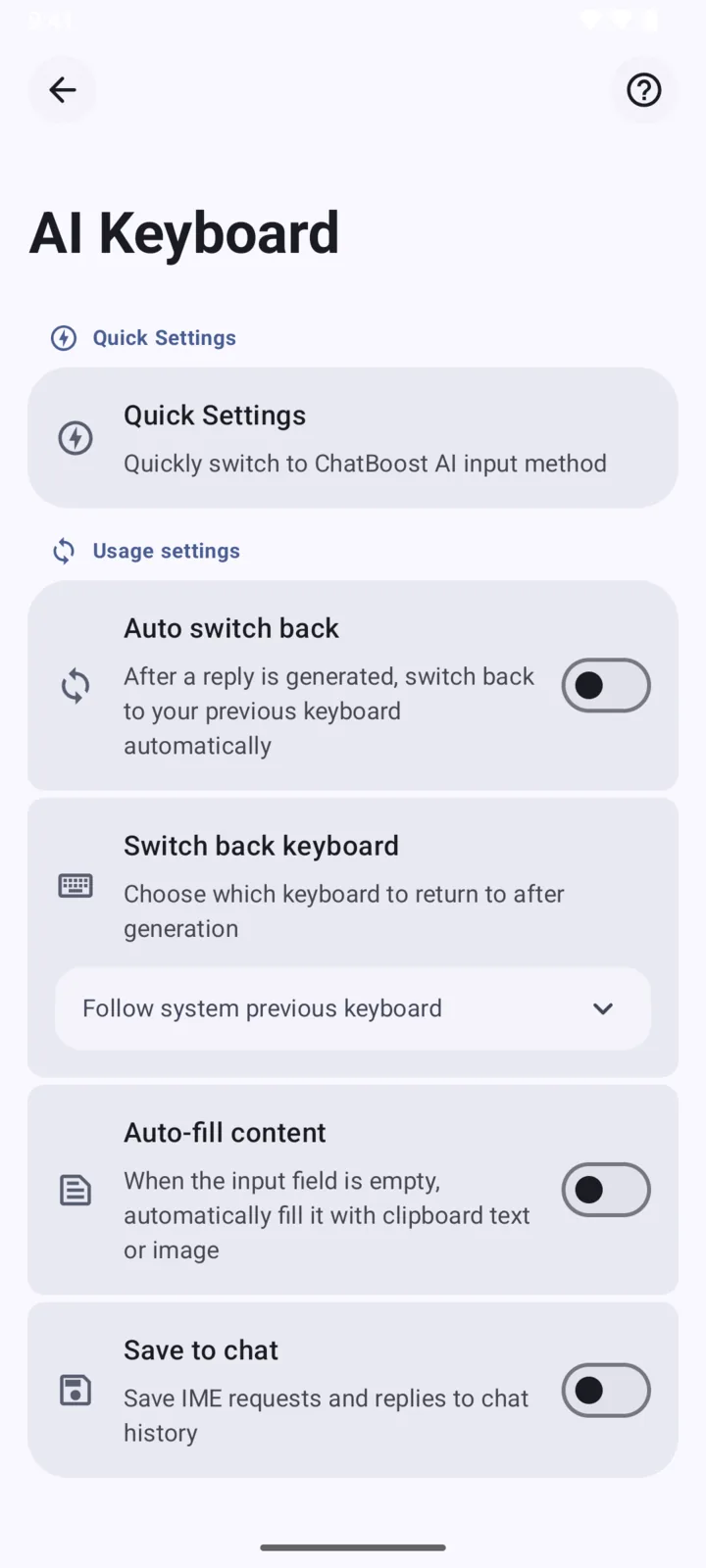
Available only on Android. Write replies, rewrite awkward sentences, translate, change tone, and polish text directly inside messaging, email, browser, and note-taking apps.
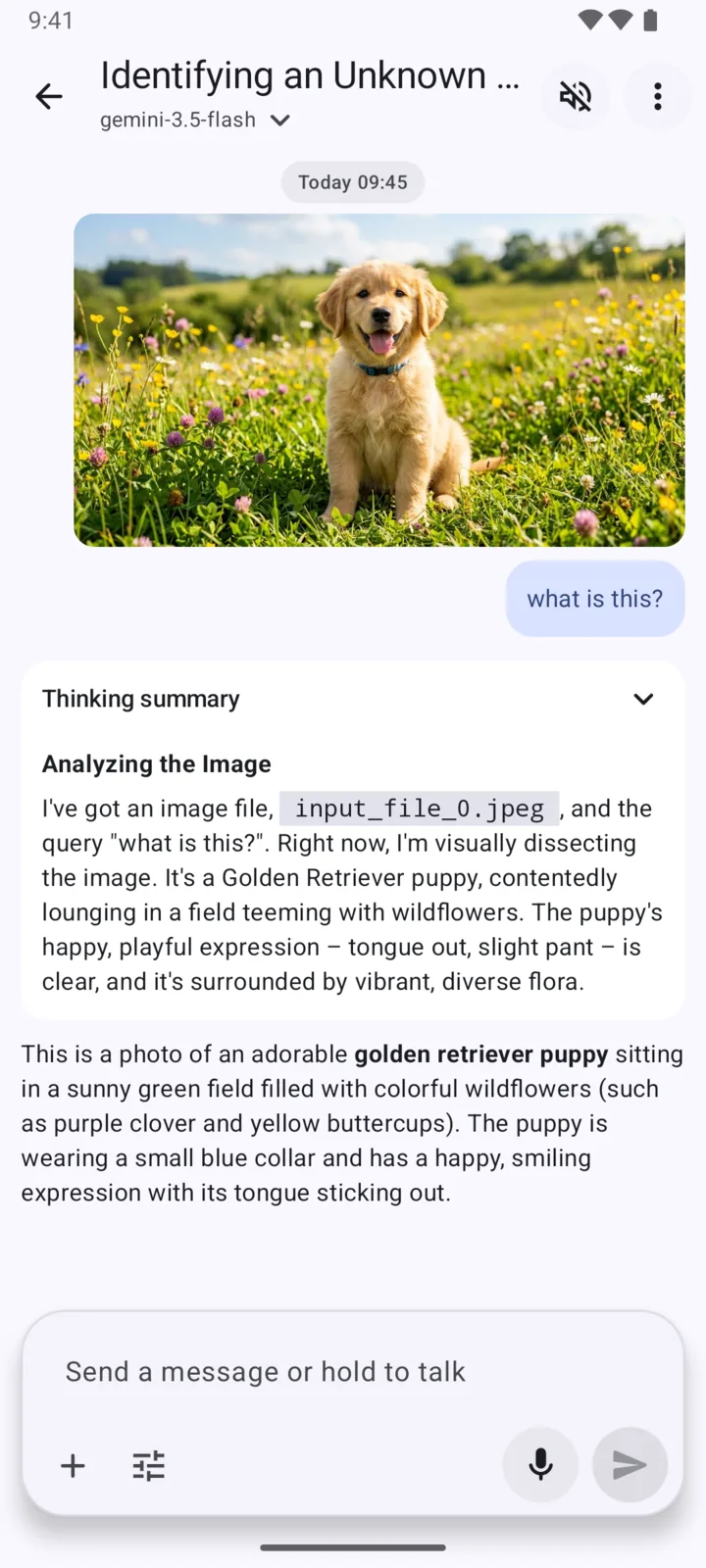
Add an image to a conversation and use a compatible vision model to identify details, explain what it sees, and keep the analysis beside your other messages and files.
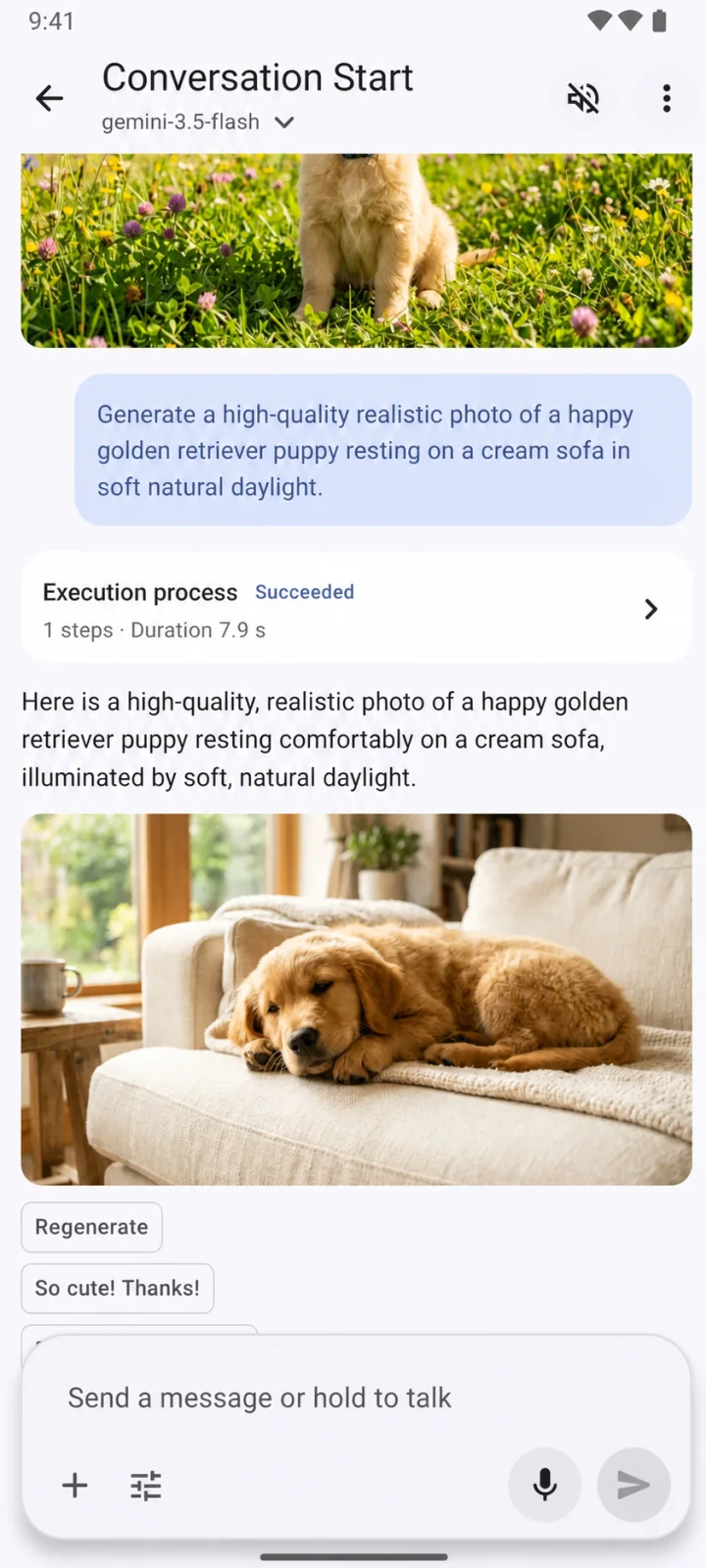
Create images with supported models inside the same conversation, refine the prompt through chat, and keep generated results alongside the context that produced them.
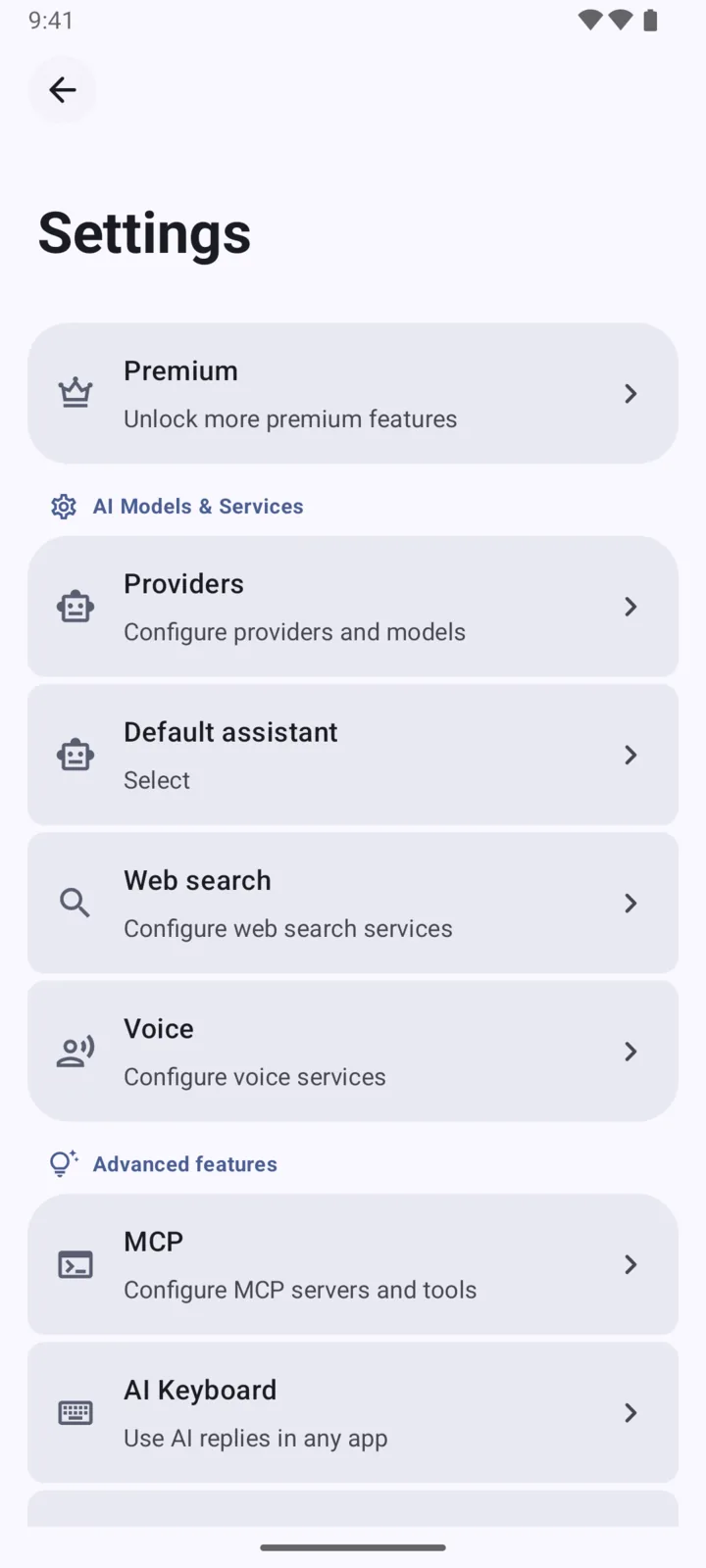
Configure custom models and endpoints, multiple API keys, search, voice, themes, streaming, reasoning effort, token limits, backups, and the controls that fit your workflow.
Reviews

"The Android AI Keyboard is the feature I end up using the most. I can rewrite or translate without leaving the app I am already in."

"It feels noticeably calmer than most mobile AI apps. Bring-your-own-key also makes it fit how I already work."

"Switching between Claude, Gemini, and DeepSeek in one place saves me a surprising amount of time every single day."

"Tool calling plus local history makes it easier to keep work moving on mobile without bouncing between separate apps."

"Voice input and read-aloud replies actually matter on the go. It is useful in the middle of a commute, not just at a desk."

"I keep it because the app does not try to own my account. I can choose the provider that fits the task and keep going."

"Being able to search, draft, rewrite, and send from the same mobile flow sounds small until you do it ten times a day."

"Most AI apps feel noisy. ChatBoost stays out of the way, which makes it easier to keep it in my daily rotation."

"The visual design is unusually polished for this category. The MD3 Expressive direction gives it personality without making the app feel loud."
FAQ
ChatBoost is free to install and start using, including with the built-in service. Some advanced features require Premium, and usage through AI services you connect is billed under those providers' own terms.
No. ChatBoost does not require a product account. You can start with the built-in service or connect your own AI services and API keys.
Yes. Connect the providers you already use and manage your own accounts, quotas, and billing. Bringing your own key is optional rather than required to begin.
ChatBoost supports OpenAI, Claude, Gemini, OpenRouter, DeepSeek, Qwen, Mistral, Ollama, Azure OpenAI, Amazon Bedrock, NVIDIA, and custom OpenAI-compatible services.
You can add images, documents, audio, and video to conversations. Compatible models can understand images and files, while long text can become an attachment and code and Markdown remain readable.
Chat history is stored on your device by default, and no ChatBoost product account is required. Content needed for a request is sent to the model, search, or tool service you select and handled under that service's terms and privacy policy.
The AI Keyboard is available only on Android. Use it to write and reply, rewrite awkward sentences, translate, change tone, polish emails or posts, and draft replies from conversation context without leaving the app where you are typing.
ChatBoost brings multiple models, customizable agents, web search, tool calling and MCP, an Android-only AI Keyboard, image and file workflows, voice, local history, and advanced model controls into one mobile-first client.